
How to Use Binance Exchange: A Step-by-Step Guide for Beginners (Updated 2025)
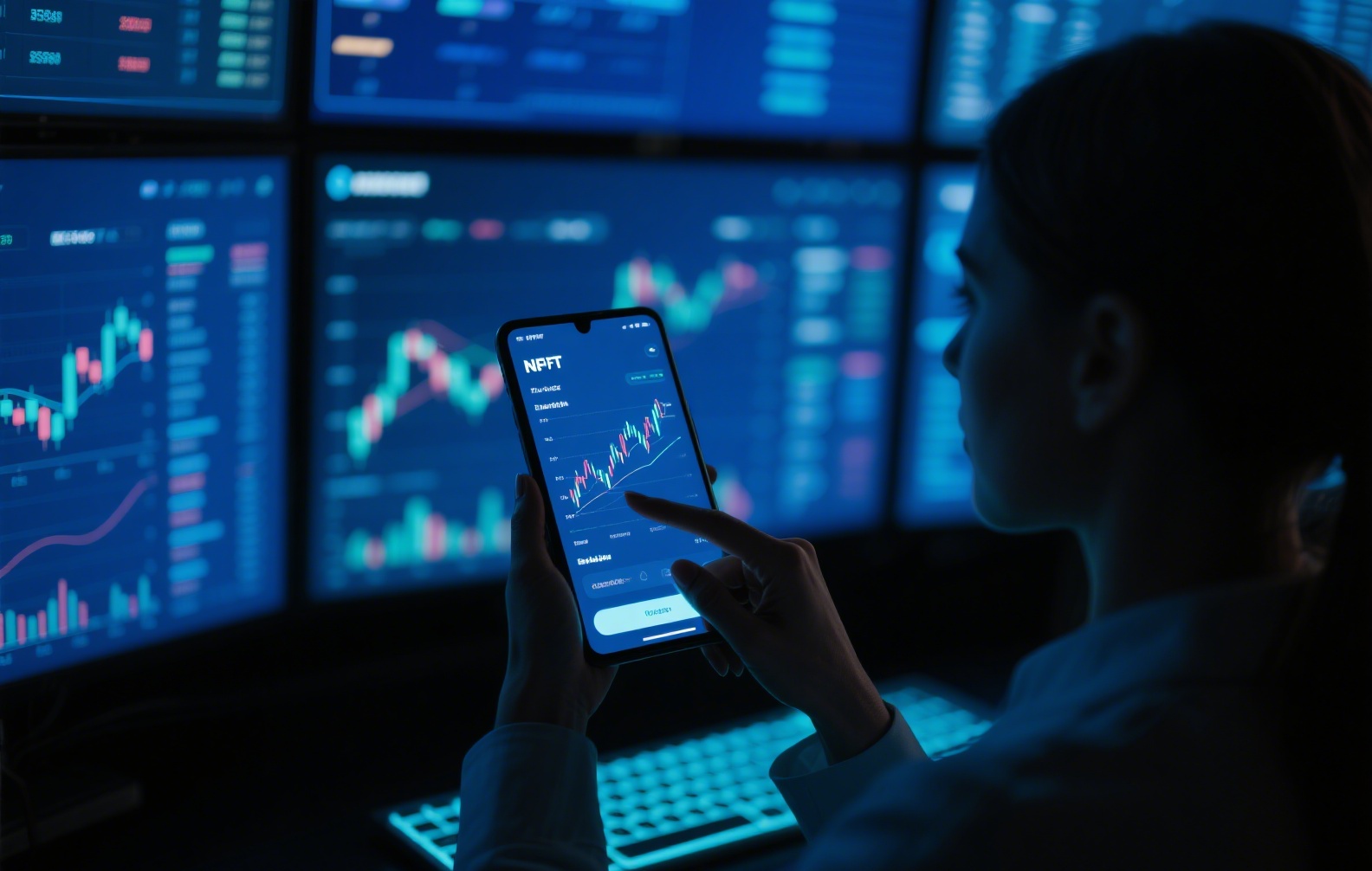
Binance is currently the world’s largest cryptocurrency exchange by trading volume. As of 2025, it remains one of the most frequently used platforms for buying, selling, and trading digital assets. This guide walks you through the essential steps of using the Binance platform, from account creation to executing your first trade.
1. Creating and Verifying Your Account
To start using Binance, visit the official website (binance.com) or download the official Binance app for iOS or Android. Click "Register" and enter your email address or phone number. Binance requires identity verification (KYC) for most features, including fiat deposits and withdrawals. Submit a valid government-issued ID and complete the facial recognition process. Without verification, your account may have limited functionality, such as lower withdrawal limits.
2. Depositing Funds
Once your account is verified, navigate to "Wallet" and click "Deposit." You have two options: deposit cryptocurrency directly (e.g., Bitcoin, Ethereum, or USDT) or deposit fiat currency (USD, EUR, GBP, etc). For crypto deposits, copy the provided wallet address or scan the QR code from your external wallet. For fiat deposits, select your currency and payment method such as bank transfer, credit card, or P2P trading. P2P trading allows you to buy crypto directly from other users, often with zero deposit fees.
3. Understanding the Trading Interface
Binance offers two main trading modes: "Standard" and "Advanced." For beginners, the standard interface is recommended. On the trade page, you will see:
- A price chart (candlestick chart) showing price movements.
- An order book listing buy and sell orders.
- A "Buy" and "Sell" panel in the lower section.
You can choose from three basic order types: Market (buy/sell immediately at current price), Limit (set a specific price for the trade), and Stop-Limit (automatically executes when the price reaches a trigger level).
4. Making Your First Trade
As an example, let’s say you want to trade USDT for Bitcoin. In the "Buy" panel, select the trading pair, such as BTC/USDT. Enter the amount of USDT you want to spend. If you choose "Market" order, the trade will execute instantly at the current best price. Confirm the transaction and your BTC balance will update within seconds. Always double-check the trading pair and amount before clicking "Buy."
5. Withdrawing Funds
To take your crypto off the exchange, go to "Wallet" > "Withdraw." Select the cryptocurrency you wish to withdraw (e.g., BTC). Enter the recipient’s wallet address carefully—one wrong character can result in permanent loss. Specify the network (e.g., Bitcoin network, BEP-20, ERC-20) and the amount. Binance will charge a network fee depending on the blockchain used. Confirm via email or SMS 2FA. For fiat withdrawals, the process involves linking your bank account, which may take 1–3 business days.
6. Important Security Notes
Binance employs multiple security layers. Always enable Two-Factor Authentication (2FA) using Google Authenticator or a hardware key. Never share your API keys, withdrawal passwords, or login credentials with anyone. Beware of phishing sites—always double-check that you are on the official Binance domain. Additionally, consider using the Binance "White List" feature for withdrawal addresses, which adds an extra layer of protection against unauthorized transfers.
7. Common Issues and Troubleshooting
If you cannot deposit fiat, check your KYC completion status. If your withdrawal is stuck on "pending," it may be due to network congestion or a security review, which Binance performs randomly. In such cases, contact Binance support via the in-app chat or email. For trading issues like "insufficient balance," ensure you have enough funds in your "Spot Wallet" and not in "Earn" or "Funding."
Binance’s interface can feel overwhelming at first, but after completing one or two trades, the workflow becomes intuitive. Start with small amounts while you learn, and always use the "Testnet" mode if you want to practice trading without real money.

发表评论